
If you run a machine shop, cabinet business, or fabrication facility, you know the feeling. You spend hours dialing in a design, double-checking your G-code, and setting up raw material on the bed. Then, halfway through a complex 3D carving or production run, the machine stutters, loses position, or produces a finish full of chatter marks.
In most cases, the mechanical structure of your mill or router is not the culprit. The bottleneck is the brain of the machine: the CNC controller.
Upgrading your control setup is one of the most cost-effective investments you can make to increase output, eliminate material scrap, and achieve repeatable machining accuracy. In this guide, we will break down how CNC controllers work, compare the primary controller architectures, and show you how to select the right platform for your shop floor.
What Is a CNC Controller and How Does It Drive Precision?
A CNC controller serves as the translator between your CAD/CAM software and the physical motors driving your machine axes.
When you export a program from software like Vectric, Fusion 360, or Mastercam, the output is a series of G-code instructions. The CNC controller parses those lines of text and sends precise signal steps to drive pulse generators, stepper drivers, or digital AC servo amplifiers.
Core Functions of Modern Machine Control Units
Motion Planning: Interprets multi-axis G-code and calculates velocity profiles, acceleration curves, and deceleration curves.
Signal Interpolation: Converts coordinate points into rapid pulse streams for X, Y, Z, and rotational axes.
I/O Management: Handles signals from limit switches, emergency stops, tool setters, vacuum tables, and coolant pumps.
Spindle Speed Regulation: Controls variable frequency drives (VFD) to maintain consistent torque under heavy cutting loads.
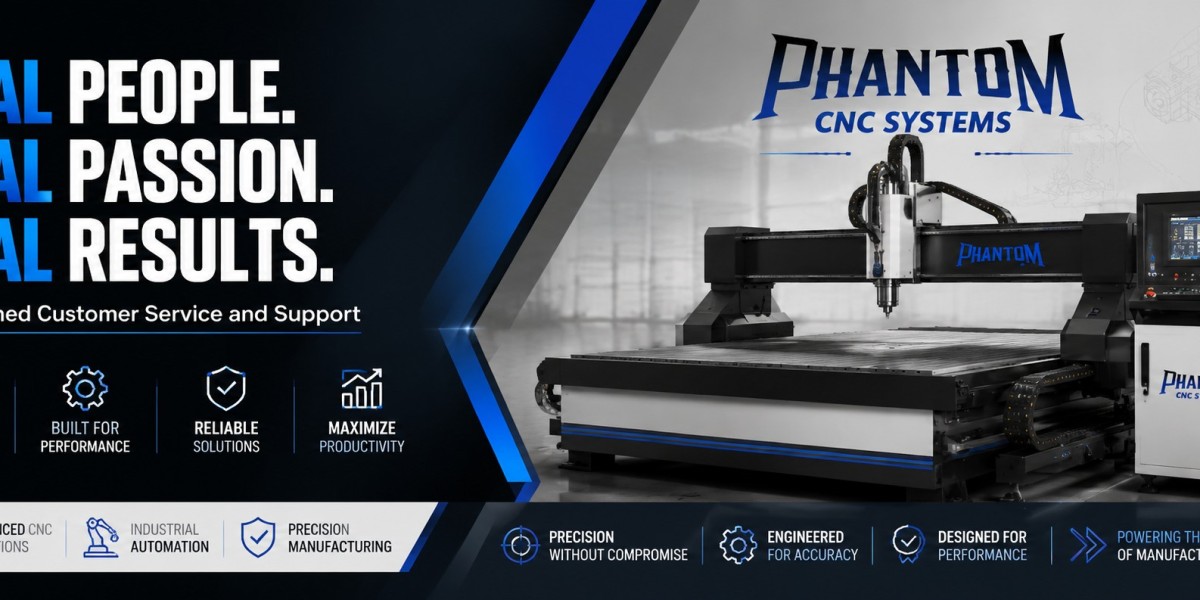
When you pair heavy-duty machinery from trusted manufacturers like Phantom CNC Systems with advanced control hardware, you unlock the full mechanical capacity of your gantry and spindle.
Types of CNC Controllers: Handheld, PC-Based, and Standalone
Choosing the right system architecture comes down to your shop environment, operator skill level, and budget.
Key Hardware Upgrades That Transform Machining Accuracy
If your goal is tight-tolerance machining, updating the controller unit itself is only half the battle. The controller relies on several downstream hardware components to deliver reliable cuts.
1. Closed-Loop Steppers vs. AC Servo Systems
Standard open-loop stepper motors do not report their actual position back to the controller. If the tool hits a hard knot in hardwood or takes too deep a bite in aluminum, the motor slips. The controller continues running the job, ruining the workpiece.
Upgrading to a closed-loop system or brushless AC servos provides constant feedback. The controller monitors encoder ticks continuously. If a position error occurs, the system corrects it instantly or safely stops the job before destroying raw stock.
2. High-Speed Look-Ahead Processing
Older control boards process G-code line by line with minimal preview buffer. When executing complex 3D surface files with thousands of tiny line segments, the machine jerks and pauses between commands. Advanced look-ahead features allow the controller to analyze hundreds of lines in advance, maintaining smooth feed rates through tight curves and complex corners.
3. Integrated Automatic Tool Changers (ATC)
A controller built for ATC workflows manages tool height offsets, pneumatic drawbar solenoids, and carousel positions automatically. Eliminating manual tool changes reduces setup time from minutes to seconds per cycle.
Step-by-Step Workflow Improvements After a Control System Upgrade
Upgrading to an intuitive machine control unit streamlines daily operations across every shift:
Zeroing and Probing: Auto-tool touch plates and 3D electronic probes eliminate manual paper-slip zeroing methods.
File Transfer Options: Wi-Fi network connectivity and USB drive loading keep operator stations clean and organized.
Mid-Program Recovery: Advanced controllers allow operators to pause a job, inspect the cut, adjust spindle speed on the fly, and resume at the exact line number.
Feed Rate Override: Real-time feed overrides let machinists fine-tune cutting parameters during the first pass without re-exporting CAM files.
Key Questions About CNC Controllers
What is the difference between open-loop and closed-loop CNC controllers?
Open-loop controllers send movement pulses to step motors without verifying if the motor actually moved. Closed-loop controllers use continuous encoder feedback from the motor to monitor position. This feedback prevents lost steps, improves cut accuracy, and protects raw materials from machining errors.
Can I upgrade the controller on an older CNC machine?
Yes. Retrofitting older equipment with a modern control box, upgraded motor drivers, and a DSP pendant or PC-based interface is a common way to extend machine lifespans. It restores positioning accuracy without requiring the purchase of an entirely new machine frame.
What causes cutter chatter and poor surface finish?
Chatter usually stems from mechanical vibration, incorrect feeds and speeds, or poor motion acceleration settings inside the controller. A controller featuring smooth S-curve acceleration profiles drastically reduces mechanical vibration during direction changes.
Summary Takeaways
The Controller Dictates Quality: A rigid frame needs a powerful, low-latency controller to deliver true tight tolerances.
Match Interface to Environment: Choose rugged DSP handheld controllers for dusty production environments, and PC-based systems for detailed, visual job shop work.
Invest in Feedback: Closed-loop motors or servos paired with an capable controller eliminate lost steps and scrap parts.
Prioritize Workflow Speed: Look for auto-probing, fast look-ahead buffering, and straightforward mid-job recovery tools.
Ready to eliminate bottlenecks and take your production floor to the next level? Explore the complete line of production routers, industrial plasma cutters, and hardware solutions available at Phantom CNC Systems.